Introduction
In today’s digital landscape, cyber threats are constantly evolving, targeting individuals, businesses, and entire infrastructures. One of the most essential tools in protecting networks from these threats is the firewall.
Whether you’re browsing the internet, managing a corporate network, or deploying cloud infrastructure, firewalls act as a first line of defense against unauthorized access and malicious traffic.
In this guide from FixinityPro, you will learn what a firewall is, how it works, and how modern technologies such as packet filtering, firewall rules, and Next‑Generation Firewalls (NGFW) help secure networks effectively.
What Is a Firewall?
Definition
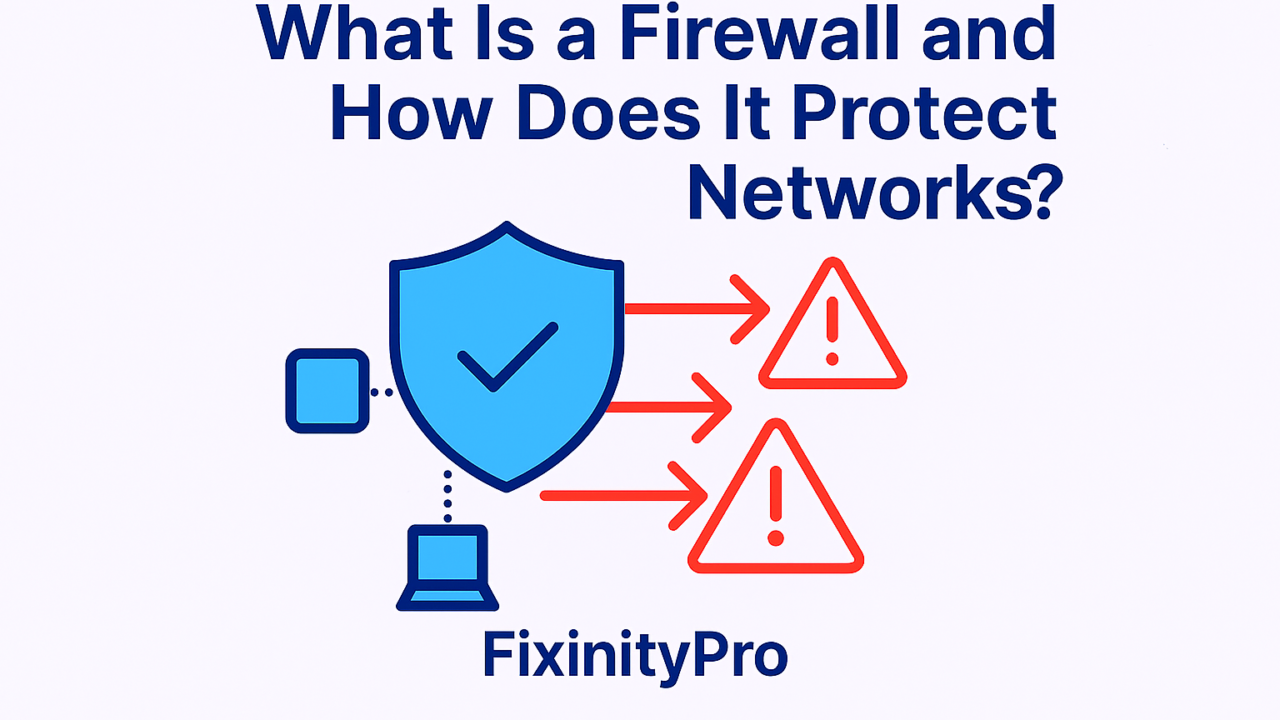
A firewall is a security system that monitors and controls incoming and outgoing network traffic based on predefined security rules.
It acts as a barrier between:
- ✅ Trusted networks (internal systems)
- ❌ Untrusted networks (internet)
How Does a Firewall Protect Networks?
Firewalls inspect data traffic and decide whether to:
- Allow it ✅
- Block it ❌
They enforce security policies that prevent:
- Unauthorized access
- Malware infections
- Data breaches
Types of Firewalls
1. Hardware Firewall
- Physical device placed between network and gateway
- Used in enterprise environments
2. Software Firewall
- Installed on individual devices
- Protects personal computers
3. Cloud Firewall
- Protects cloud-based infrastructure
- Scalable and flexible
1. Packet Filtering (Basic Firewall Function)
What Is Packet Filtering?
Packet filtering is one of the simplest firewall techniques. It examines individual data packets and allows or blocks them based on specific criteria.
How It Works
Each packet is analyzed based on:
- Source IP address
- Destination IP address
- Port number
- Protocol (TCP/UDP)
Example
A firewall rule may allow:
Allow traffic from 192.168.1.0/24 on port 80 (HTTP)
“
And block:
Block traffic from unknown IPs on port 22 (SSH)
“
Advantages
✅ Fast and efficient
✅ Low resource usage
Limitations
❌ Cannot inspect packet content deeply
❌ Vulnerable to advanced attacks
2. Firewall Rules (Core Security Logic)
What Are Firewall Rules?
Firewall rules define what traffic is allowed or denied.
Types of Rules
- Allow rules
- Deny rules
- Port-based rules
- IP-based rules
Example of Firewall Rule
ALLOW TCP FROM 192.168.1.10 TO ANY PORT 443
DENY ALL OTHER TRAFFIC
“
Best Practices for Firewall Rules
✅ Use least privilege principle
✅ Block unused ports
✅ Regularly review rules
✅ Log and monitor traffic
Common Mistakes
❌ Allowing broad access (ANY → ANY)
❌ Forgetting to update rules
❌ Poor documentation
3. Next-Generation Firewalls (NGFW)
What Is a NGFW?
A Next-Generation Firewall (NGFW) is an advanced firewall that goes beyond basic packet filtering by analyzing traffic at a deeper level.
Key Features of NGFW
- Deep Packet Inspection (DPI)
- Intrusion Prevention System (IPS)
- Application awareness
- User-based access control
- Malware detection
Why NGFW Is Important
Traditional firewalls:
- Focus on ports and IP addresses
NGFW:
- Understands applications (e.g., WhatsApp, Netflix)
- Detects malicious behavior
Example
A NGFW can:
- Allow web browsing
- Block malicious scripts within HTTP traffic
Firewall vs Antivirus
| Feature | Firewall | Antivirus |
|---|---|---|
| Function | Controls traffic | Detects/removes malware |
| Protection Level | Network level | Device level |
| Example | Block suspicious IP | Remove infected file |
✅ Both should be used together.
How Firewalls Protect Against Common Threats
1. Unauthorized Access
Blocks hackers trying to enter the network.
2. Malware
Stops communication with malicious servers.
3. DDoS Attacks
Filters abnormal traffic spikes.
4. Data Exfiltration
Prevents sensitive data from leaving the network.
Firewall Security Best Practices
For Individuals
✅ Enable Windows Firewall
✅ Avoid disabling security tools
✅ Use secure networks
For Businesses
✅ Deploy NGFW solutions
✅ Segment networks (VLANs)
✅ Monitor logs continuously
✅ Implement Zero Trust architecture
Common Firewall Mistakes
- Disabling firewall for convenience
- Misconfigured rules
- Not updating firmware
- Ignoring alerts
👉 These mistakes can expose systems to serious threats.
When Do You Need a Firewall?
You need a firewall if:
- You connect to the internet (always ✅)
- You run a business network
- You store sensitive data
- You use cloud applications
👉 In short: everyone needs a firewall
Conclusion
Firewalls are a fundamental component of cybersecurity and network protection. From basic packet filtering to advanced Next‑Generation Firewalls (NGFW), they play a critical role in defending systems against modern cyber threats.
By understanding how firewall rules work and applying proper security practices, individuals and businesses can significantly reduce their risk of attacks.
At FixinityPro, we highly recommend combining firewalls with other security measures for maximum protection.
👉 A secure network starts with a strong firewall. Don’t leave your systems unprotected.
FAQ
What is a firewall in simple terms?
A firewall is a security system that controls network traffic to protect against threats.
What does packet filtering mean?
It is the process of checking data packets and allowing or blocking them based on rules.
What is a NGFW firewall?
A Next-Generation Firewall offers advanced protection with deep traffic inspection and threat detection.
Are firewall rules important?
Yes, they define what traffic is allowed or blocked.
Do I need both firewall and antivirus?
Yes, both provide different types of protection.