Introduction
In the world of computer networking, Cisco switches remain a cornerstone of enterprise, SMB, and educational network infrastructures. Whether you are an IT student, junior network administrator, or IT support technician, understanding how to perform a basic Cisco switch configuration is a fundamental skill.
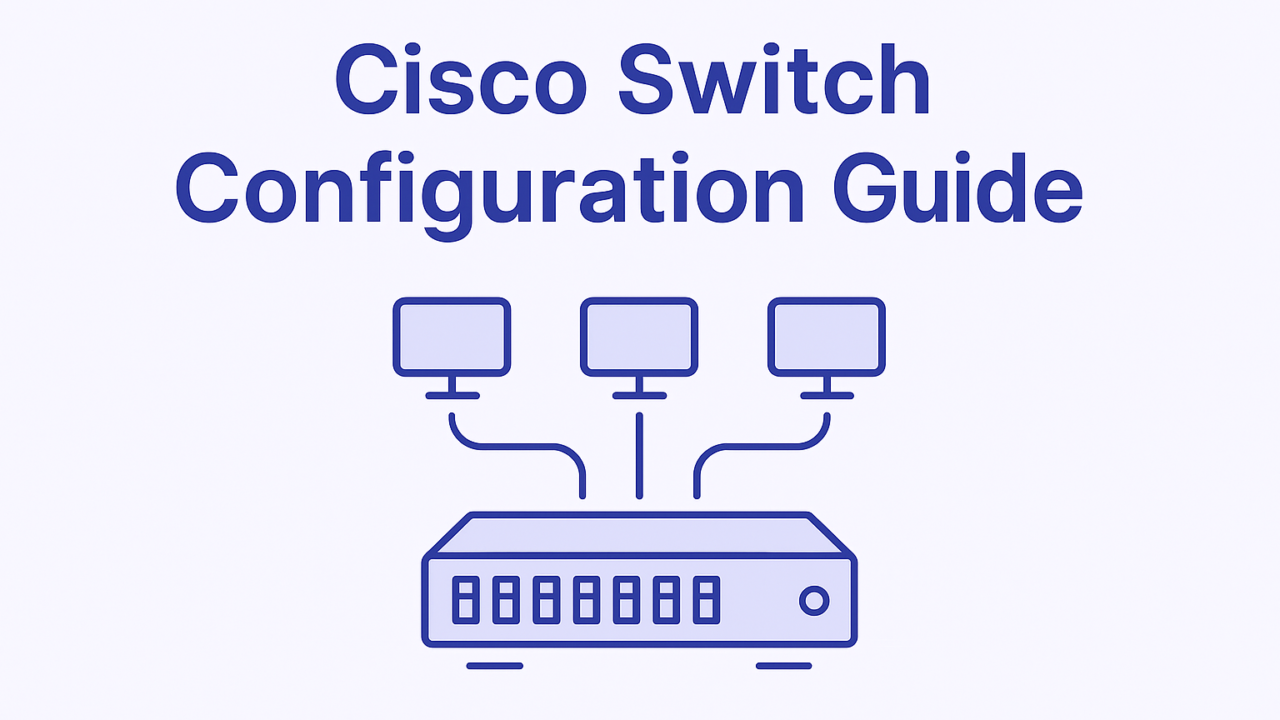
This guide from FixinityPro provides a clear, practical, and beginner‑friendly walkthrough on how to configure a Cisco switch using the Cisco CLI (Command Line Interface). We will cover essential tasks such as setting the hostname, creating VLANs, securing the switch, enabling Cisco SSH access, and saving the configuration correctly.
By the end of this article, you will have a solid foundation to confidently manage and secure a Cisco switch following professional best practices.
Prerequisites
Before starting, ensure you have the following:
- A Cisco switch (physical or virtual, such as Packet Tracer or GNS3)
- A console cable or terminal access
- Terminal software (PuTTY, Tera Term, SecureCRT, or macOS/Linux terminal)
- Basic understanding of networking concepts (IP addressing, VLANs)
- Privileged EXEC access to the switch
Tip: Always perform initial configurations via the console for security reasons.
1. Configuring the Hostname
Why the Hostname Matters
The hostname uniquely identifies a network device. In real-world environments with multiple switches and routers, meaningful hostnames simplify troubleshooting, monitoring, and documentation.
Step-by-Step: Set the Hostname
Enter privileged EXEC mode:
enable
“
Enter global configuration mode:
configure terminal
Set the hostname:
hostname SW-FixinityPro-01
Exit configuration mode:
end
✅ The prompt changes to reflect the new hostname, confirming success.
Best Practice:
Use standardized naming conventions (location, role, device number).
2. Configuring VLANs on a Cisco Switch
What Is a VLAN?
A Cisco VLAN (Virtual Local Area Network) logically segments a network at Layer 2, improving security, performance, and traffic management.
Create VLANs
Enter configuration mode:
configure terminal
Create VLAN 10:
vlan 10
name SALES
“
Create VLAN 20:
vlan 20
name IT
Exit VLAN configuration:
exit
Assign Ports to VLANs
Assign interface FastEthernet0/1 to VLAN 10:
interface fastEthernet0/1
switchport mode access
switchport access vlan 10
Exit interface mode:
exit
“
✅ Repeat for other interfaces as needed.
Security Tip:
Never leave unused ports in the default VLAN 1.
3. Securing the Switch with Passwords
Why Switch Security Is Critical
Unsecured switches are easy targets for unauthorized access, network manipulation, or outages. Proper password configuration is the first layer of defense.
Set Enable (Privileged) Password
enable secret StrongEnablePassword
“
The
enable secretcommand encrypts the password using hashing algorithms.
Secure the Console Access
line console 0
password ConsolePass123
login
Secure VTY (Remote) Access
line vty 0 4
password VTYPass123
login
Encrypt All Passwords
service password-encryption
✅ This prevents plaintext passwords from being visible in the configuration.
4. Configuring SSH Access on a Cisco Switch
Why Use Cisco SSH Instead of Telnet?
Telnet sends credentials in plaintext, making it insecure. Cisco SSH encrypts sessions and is considered a standard security requirement.
Configure Domain Name
ip domain-name fixinitypro.local
“
Generate RSA Keys
crypto key generate rsa
When prompted, choose at least 2048 bits for security.
Create a Local User
username admin privilege 15 secret StrongAdminPassword
“
Enable SSH on VTY Lines
line vty 0 4
transport input ssh
login local
Specify SSH Version
ip ssh version 2
✅ The switch now accepts secure SSH connections.
5. Saving the Configuration
Why Saving Configuration Is Essential
Cisco switches operate with:
- Running configuration (RAM)
- Startup configuration (NVRAM)
If the switch reboots without saving, all changes are lost.
Save the Configuration
copy running-config startup-config
or
write memory
“
✅ Your configuration is now persistent.
6. Verification and Testing
Verify VLANs
show vlan brief
“
Verify Interface Configuration
show running-config
Verify SSH Status
show ip ssh
Test SSH Connection
From a PC:
ssh admin@switch_ip_address
7. Common Mistakes to Avoid
- Forgetting to save the configuration
- Using weak or reused passwords
- Leaving unused ports active
- Using Telnet instead of SSH
- Misassigning VLAN ports
- Configuring everything in VLAN 1
8. Cisco Switch Best Practices
- ✅ Use strong, unique passwords
- ✅ Implement VLAN segmentation
- ✅ Disable unused interfaces
- ✅ Document every configuration change
- ✅ Regularly back up configurations
- ✅ Keep IOS versions up to date
- ✅ Use SSH and disable Telnet
9. Summary Table of Important Cisco Commands
| Purpose | Command |
|---|---|
| Enter config mode | configure terminal |
| Set hostname | hostname NAME |
| Create VLAN | vlan ID |
| Assign VLAN to port | switchport access vlan ID |
| Set enable secret | enable secret PASSWORD |
| Encrypt passwords | service password-encryption |
| Generate RSA keys | crypto key generate rsa |
| Enable SSH v2 | ip ssh version 2 |
| Save config | copy running-config startup-config |
Conclusion
Configuring a Cisco switch is a core networking skill that every IT professional must master. With the correct Cisco CLI commands, proper Cisco configuration, and strong security practices, even beginners can build reliable and secure network infrastructures.
At FixinityPro, we believe that mastering fundamentals like VLANs, SSH, and secure switch access lays the groundwork for successful careers in computer networking. Practice these configurations regularly, apply best practices, and continue expanding your skills toward advanced network design and security.
Frequently Asked Questions (FAQ)
What is the default IP address of a Cisco switch?
Most switches do not have an IP address by default. You must configure a management VLAN.
Can I configure a Cisco switch without CLI?
Yes, some models support a web GUI, but CLI remains the professional standard.
Why is SSH better than Telnet?
SSH encrypts traffic, protecting credentials and configurations.
How many VLANs can a Cisco switch support?
This depends on the model, but many support up to 4096 VLAN IDs.
What happens if I don’t save the configuration?
All changes will be lost after a reboot.